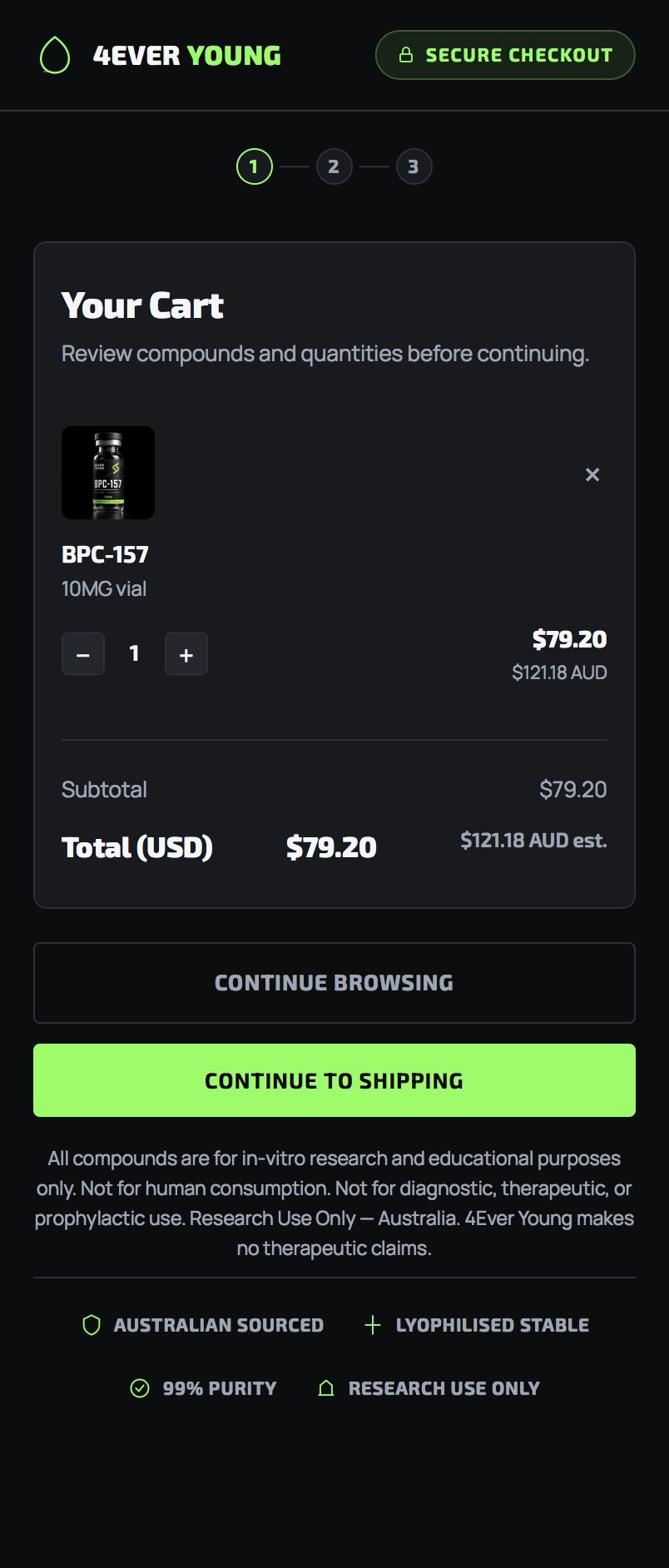
Review your cart
Confirm your compounds and quantities, then click "Continue to Shipping."
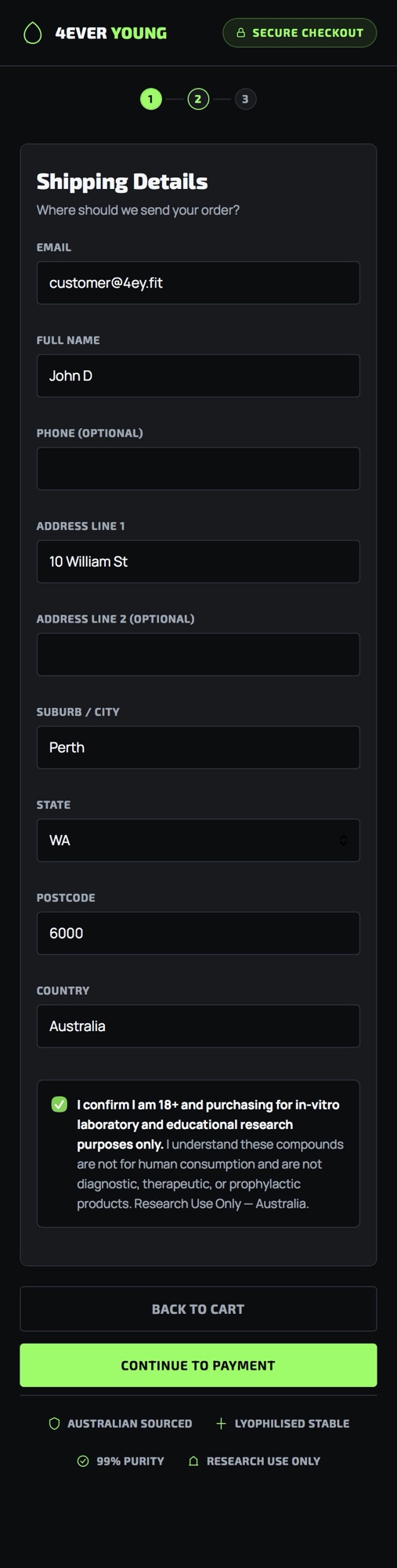
Enter shipping details
Fill in your email, name, and delivery address, confirm the research-use checkbox, then click "Continue to Payment."
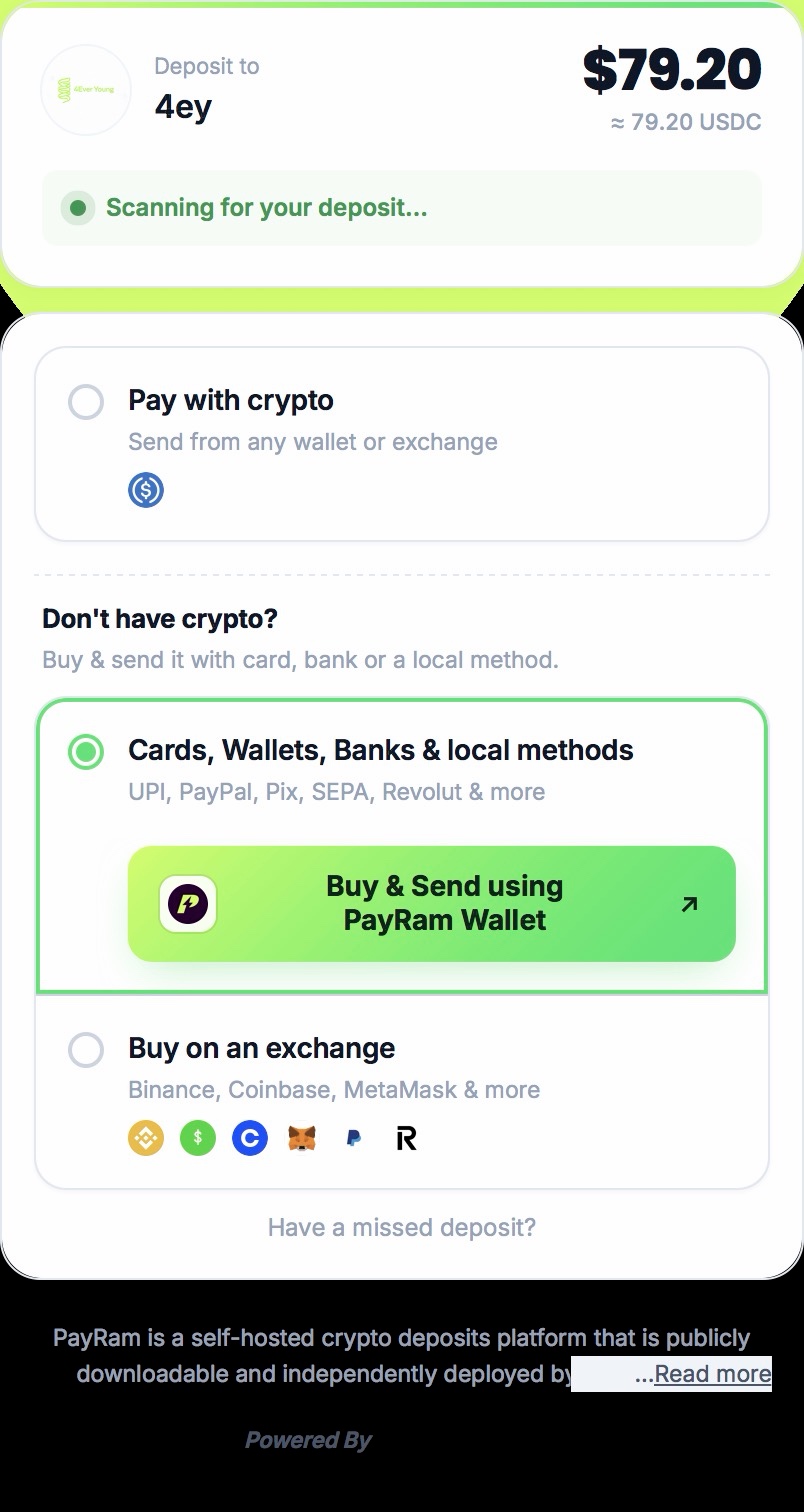
Choose how to pay
On the PayRam screen, select "Cards, Wallets, Banks & local methods" if you don't already hold crypto, then click "Buy & Send using PayRam Wallet." If you already have USDC in a wallet, select "Pay with crypto" instead and send directly.
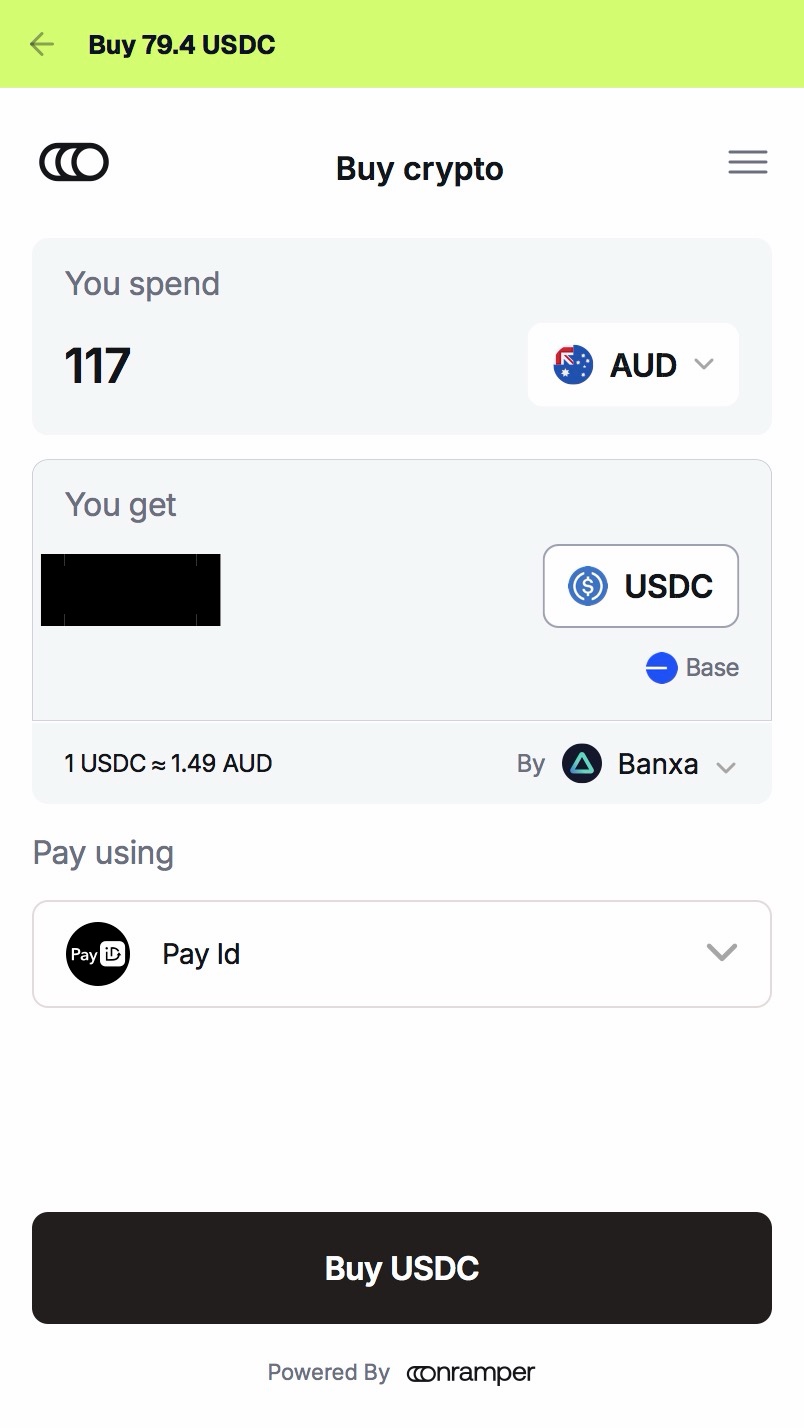
For the smoothest experience, we recommend paying with PayID or a debit card. Some Australian banks flag or block crypto-related card payments, and these two methods tend to have the fewest issues.
Commonwealth Bank customers: CommBank currently blocks payments to crypto payment processors. If you bank with CommBank, this payment method will not work for you. Please email info@4ey.fit and we'll help you find an alternative option.
Pick a provider and complete their process
You'll see a list of onramp providers (e.g. Topper, Banxa, MoonPay). Each provider runs its own signup and identity verification — simply follow the on-screen instructions from your chosen provider through to completion. This is normal and expected; every provider's process looks slightly different, and it's a one-time step per provider.
Confirm the destination address
Most providers auto-fill the deposit address for you. If asked to manually enter or confirm a wallet address, use ours below — always double-check it matches exactly before sending.
Only send USDC on the Base network to this address. Sending the wrong token or network may result in lost funds that cannot be recovered.
Wait for confirmation
Once your payment is sent, the checkout page will show "Scanning for your deposit..." — no action needed, just wait for it to confirm automatically.
Order confirmed
Once detected, you'll receive an email confirmation with your order details and dispatch timeline.